

- Text-to-image generation
- Image-to-image editing
- Multi-image composition
- Saving generated images
- Base URL:
https://api.cometapi.com - Install the SDK:
pip install google-genai(Python) ornpm install @google/genai(Node.js)
Setup
Initialize the client with CometAPI’s base URL:Text-to-Image Generation
Generate an image from a text prompt and save it to a file.candidates[0].content.parts, which can contain text and/or image parts:
Image-to-Image Generation
Upload an input image and transform it with a text prompt.- The Python SDK accepts
PIL.Imageobjects directly — no manual Base64 encoding needed. - Do not include the
data:image/jpeg;base64,prefix when passing raw Base64 strings.
Multi-Image Composition
Generate a new image from multiple input images. CometAPI supports two approaches:Method 1: Single Collage Image
Combine multiple source images into one collage, then describe the desired output.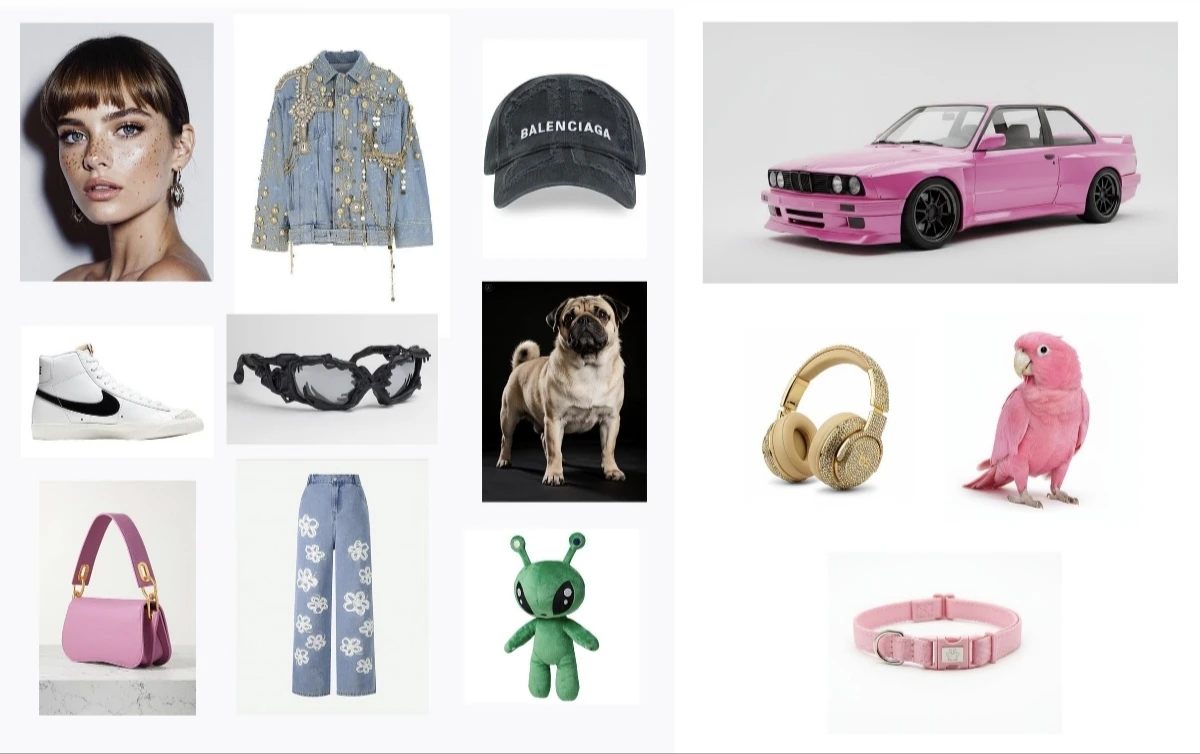
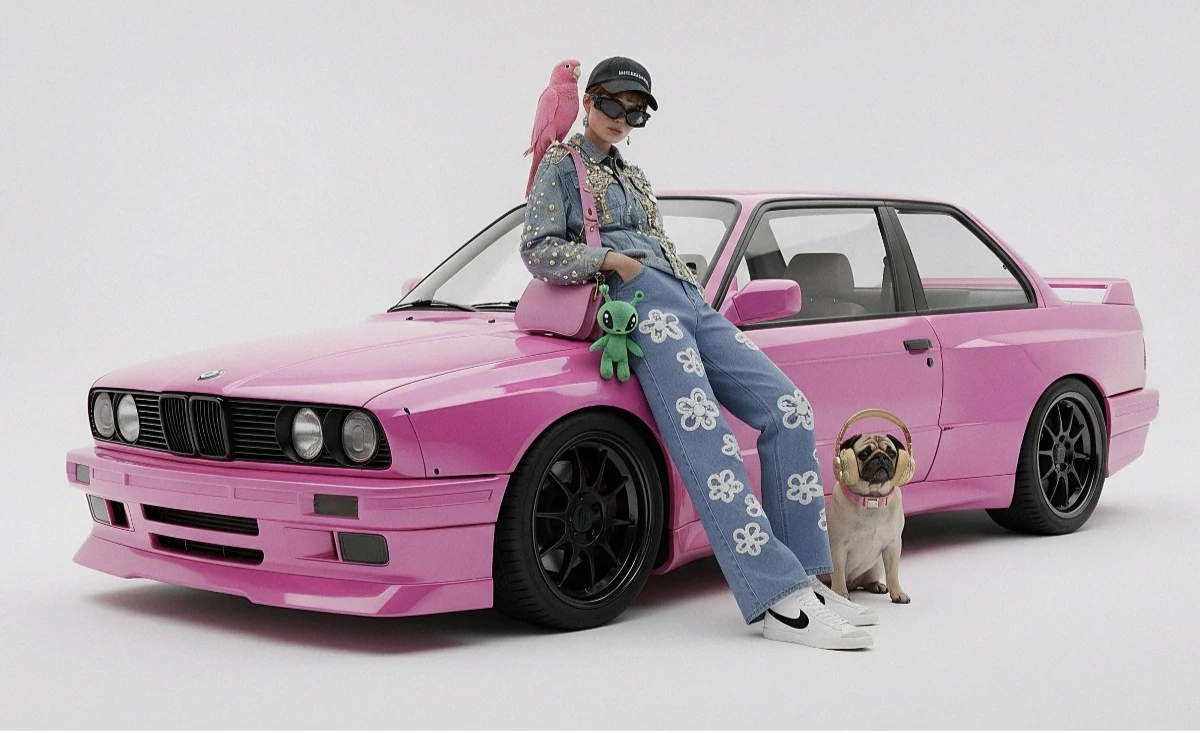
Method 2: Multiple Separate Images (Up to 14)
Pass multiple images directly. Gemini 3 models support up to 14 reference images (objects + characters):
4K Image Generation
Specifyimage_config with aspect_ratio and image_size for high-resolution output:
Multi-turn Image Editing (Chat)
Use the SDK’s chat feature to iteratively refine images:Tips
Prompt Optimization
Prompt Optimization
Specify style keywords (e.g., “cyberpunk, film grain, low contrast”), aspect ratio, subject, background, lighting, and detail level.
Base64 Format
Base64 Format
When using raw HTTP, do not include
data:image/png;base64, prefix — use only the raw Base64 string. The Python SDK handles this automatically with PIL.Image objects.Force Image Output
Force Image Output
Set
"responseModalities" to ["IMAGE"] only to guarantee image output without text.