Prerequisites
- A CometAPI account with an active API key — get yours here
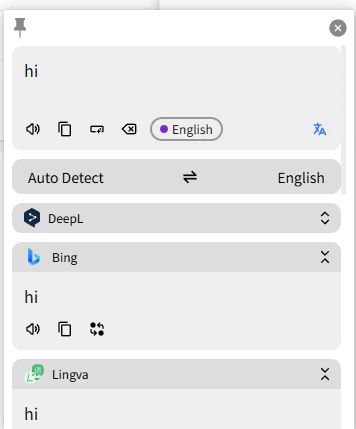
- Pot installed — download here
Get your CometAPI API key


Add OpenAI service in Pot
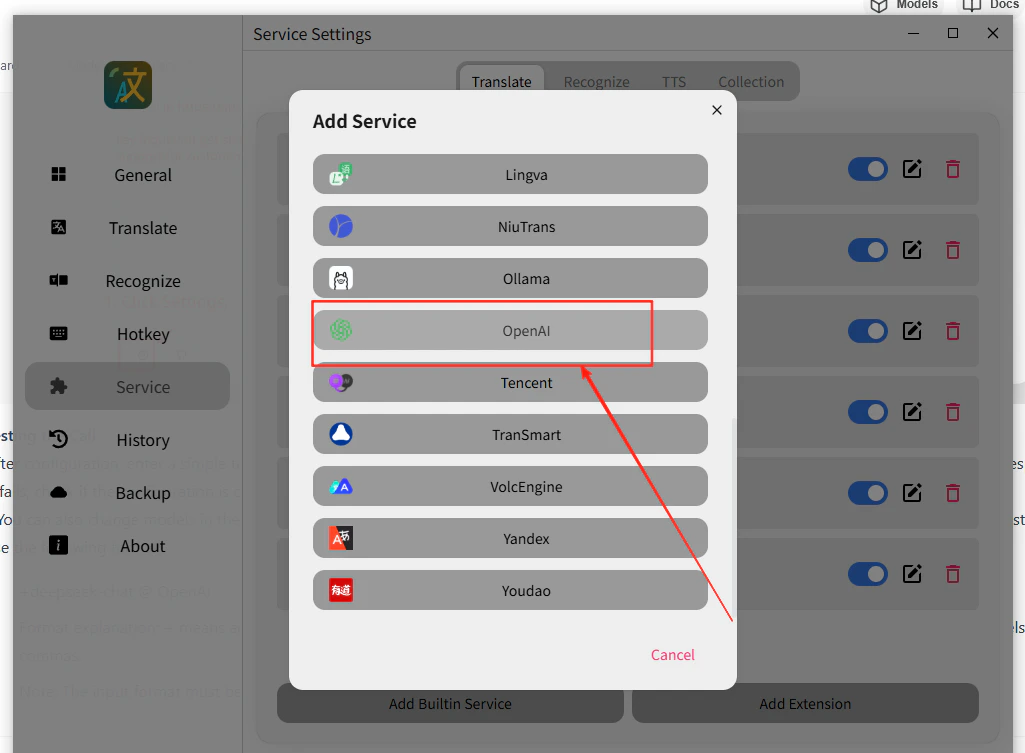
Open Pot’s menu, go to Service Settings → Add Built-in Service, select OpenAI, and enable Stream Output.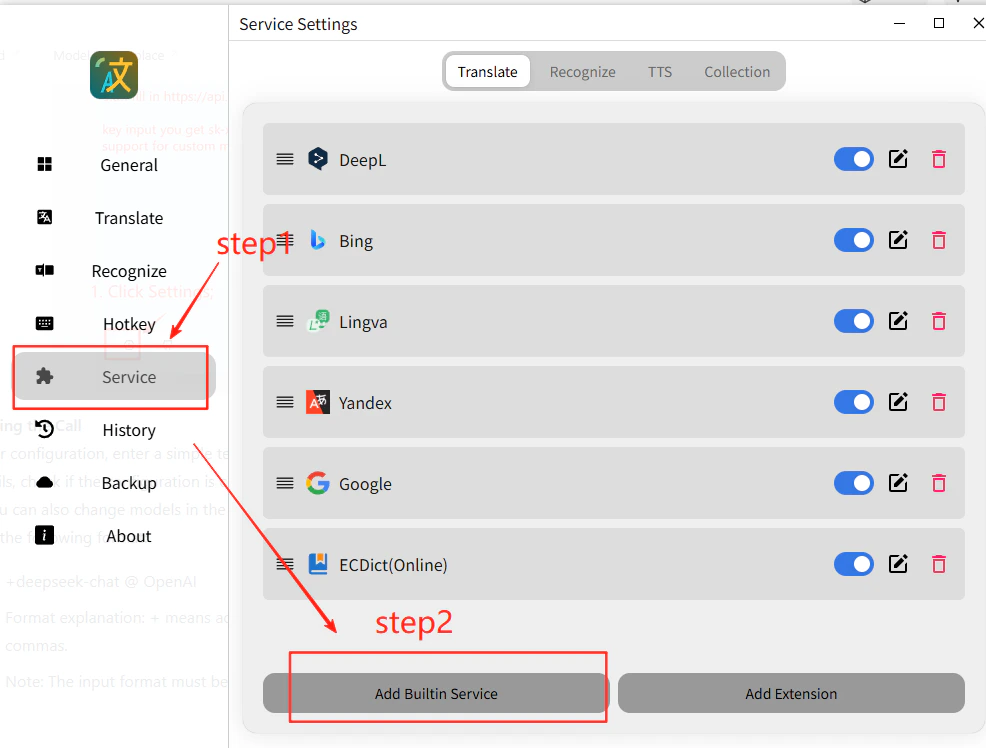
Enter your API credentials
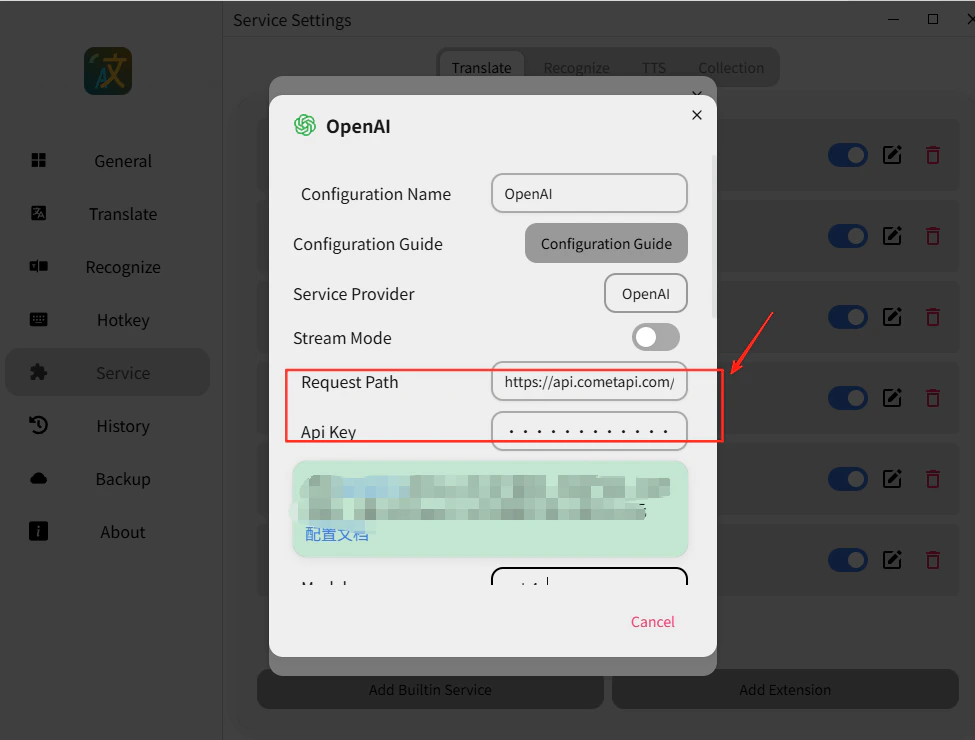
- API Address:
https://api.cometapi.com/v1/chat/completions - API Key: paste your
sk-xxxxxkey - Model: set the current model ID you want to use
Test the translation
Select any text and trigger a translation. A successful response confirms the integration is working.